Skill Tree System Kit
A downloadable roblox pack
SkillTreeSystem Product Doc 🌳⚡
Short Description
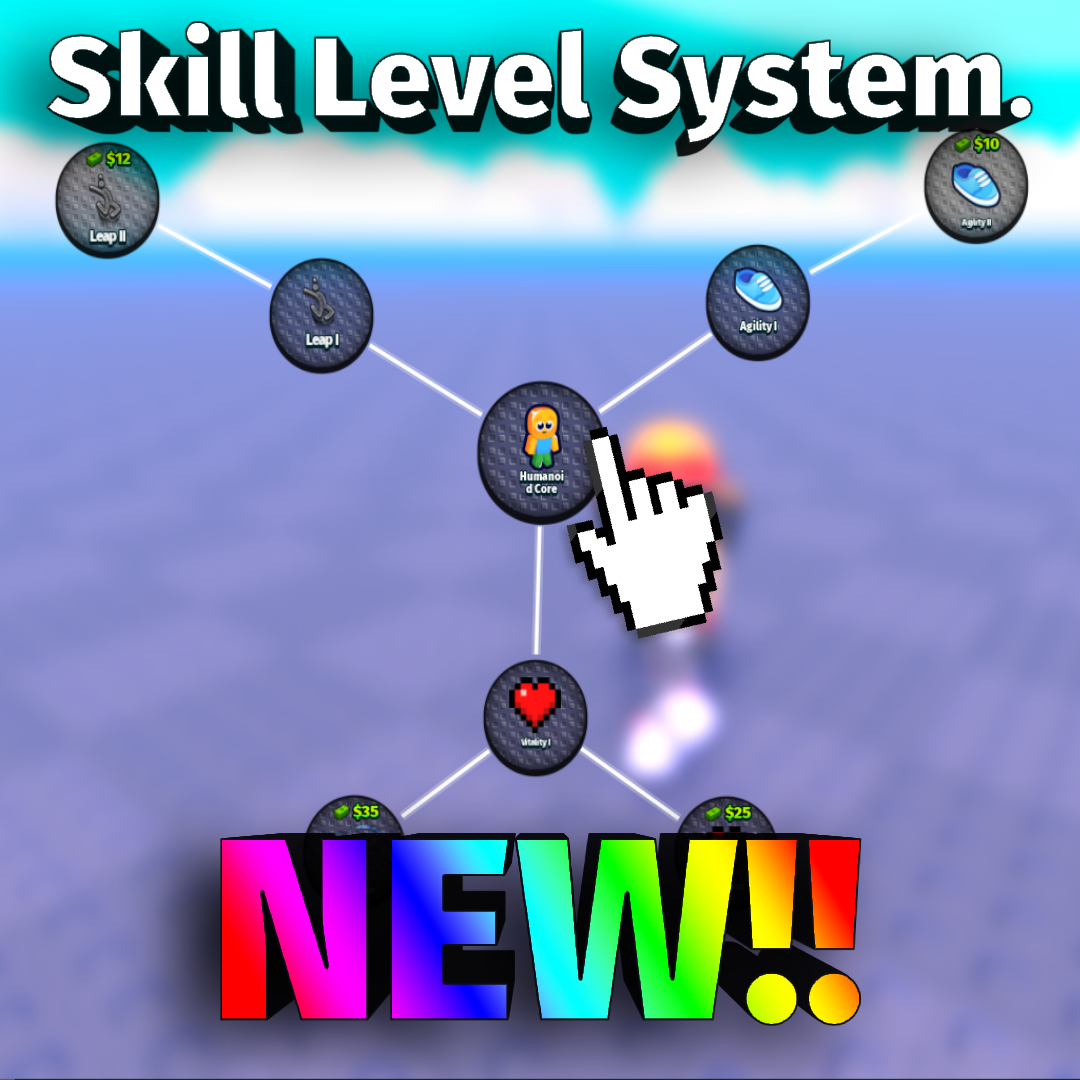
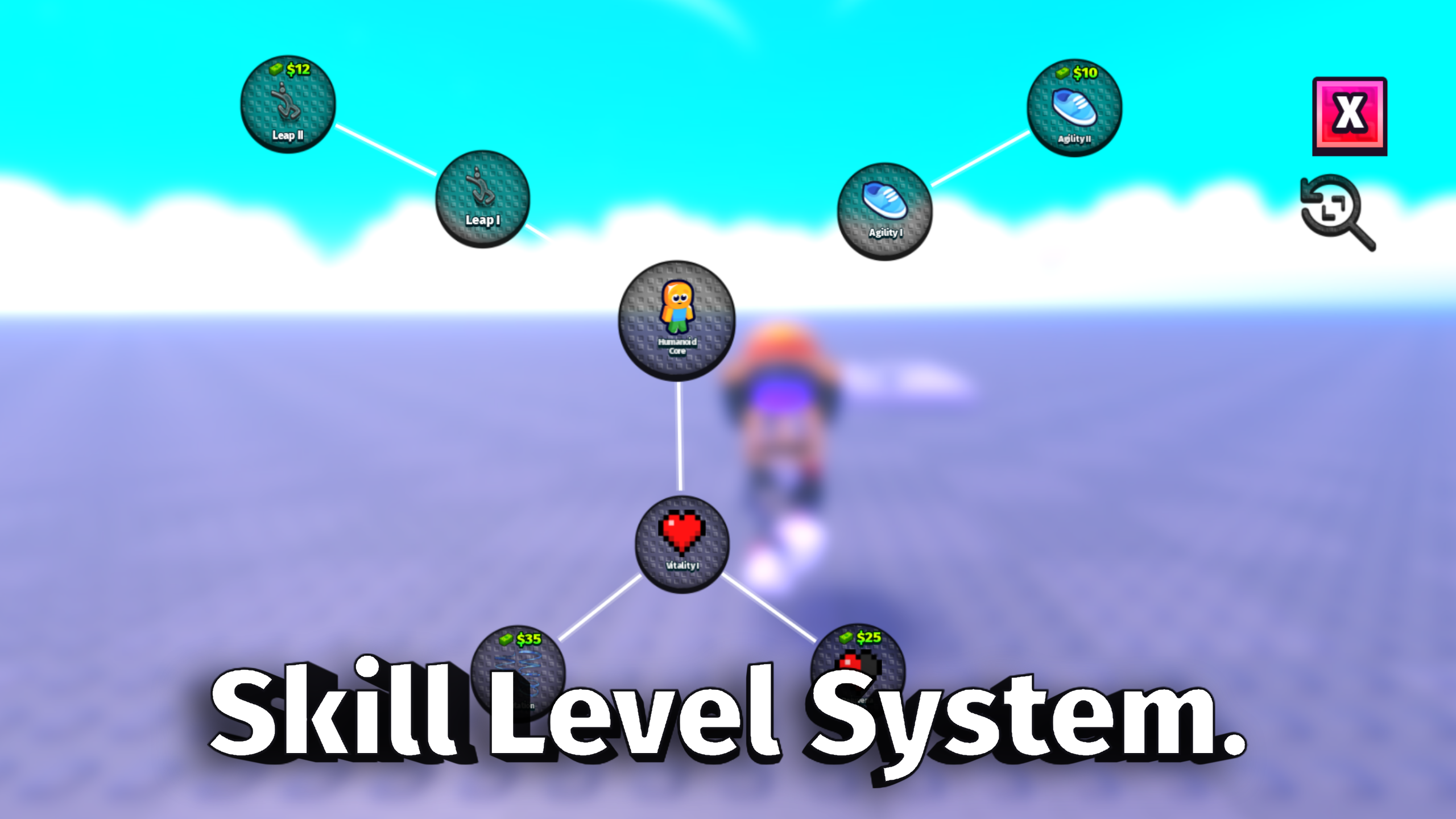
SkillTreeSystem is an animated node-based skill tree for Roblox games. Players unlock a root node, reveal new branches, buy or claim upgrades, and progress through a clean visual upgrade path.
Product Description
Build a polished skill tree into your Roblox game without starting from scratch. SkillTreeSystem gives you circular skill nodes, connected branch lines, smooth panning, unlock animations, cash support, and secure server-side unlock checks.
This system is great for RPG upgrades, simulator perks, obby powerups, combat abilities, stat boosts, and any Roblox game that needs a visual progression tree. 🌟
What You Get 📦
- Drag-and-drop ungrouping package
- Circular skill tree node UI
- Branch lines that connect to node edges
- Larger first/root node
- Hidden future nodes until requirements are met
- Ready nodes that show the actual skill being purchased
- Optional cash price display
- Server-side affordability checks
- Unlock sound support
- Fast rotating branch reveal animation
- Exit animation that scales out from final branches back to the root
- Smooth pan/drag follow feeling
- Example leaderstats Cash script
- Install documentation
Latest Model Info 🚀
- No question marks on SkillTree nodes
- The first/root node reveals the next available branches
- Paid nodes show the skill icon, title, and cash cost
- Players cannot buy skills they cannot afford
- Unlock sound plays after the server confirms the unlock
- Walk speed skill chain support is included
- Packaged separately from LevelSystem
How To Install 🛠️
- Insert the SkillTreeSystem package model into Roblox Studio.
- Open the model.
- Move each service folder's contents into the matching Roblox service:
ReplicatedStorage->game.ReplicatedStorageServerScriptService->game.ServerScriptServiceStarterPlayer->game.StarterPlayerStarterGui->game.StarterGuiSoundService->game.SoundService
- Do not leave the service folders nested inside the package model.
- Press Play and open the Skill Tree button from the HUD.
- Edit skills in
ReplicatedStorage.SkillTreeSystem.Config.
Cash Setup 💵
Set Config.IfNodesCostCash = true to use cash prices.
The system checks:
leaderstats.Cashleaderstats.Money
If the player does not have enough cash, the skill will not unlock.
Simple Leaderstats Example
local Players = game:GetService("Players")
local STARTING_CASH = 100
Players.PlayerAdded:Connect(function(player)
    local leaderstats = Instance.new("Folder")
    leaderstats.Name = "leaderstats"
    leaderstats.Parent = player
    local cash = Instance.new("IntValue")
    cash.Name = "Cash"
    cash.Value = STARTING_CASH
    cash.Parent = leaderstats
end)
How To Add A Skill
Add a new entry inside ReplicatedStorage.SkillTreeSystem.Config.
{
    Id = "walk_speed_1",
    CashCost = 50,
    Title = "Agility I",
    Description = "Increases movement speed.",
    Icon = "rbxassetid://YOUR_ICON_ID",
    Position = { x = 160, y = -100 },
    Requires = { "root" },
    MaxLevel = 1,
    Apply = function(player)
        local character = player.Character
        local humanoid = character and character:FindFirstChildOfClass("Humanoid")
        if humanoid then
            humanoid.WalkSpeed += 4
        end
    end,
}
FAQ ❓
Can I turn off cash costs?
Yes. Set Config.IfNodesCostCash = false.
Can I add custom skills?
Yes. Add new entries to Config.Skills and write the reward behavior in Apply(player).
Can I change node positions?
Yes. Edit each skill's Position = { x = number, y = number }.
Can this run without LevelSystem?
Yes. SkillTreeSystem is packaged separately and can run by itself.
Can I resell this system?
No. Please do not resell the package.
Purchase
In order to download this roblox pack you must purchase it at or above the minimum price of $8.69 USD. You will get access to the following files:
Development log
- Skill Tree System Kit - DragNDrop12 hours ago