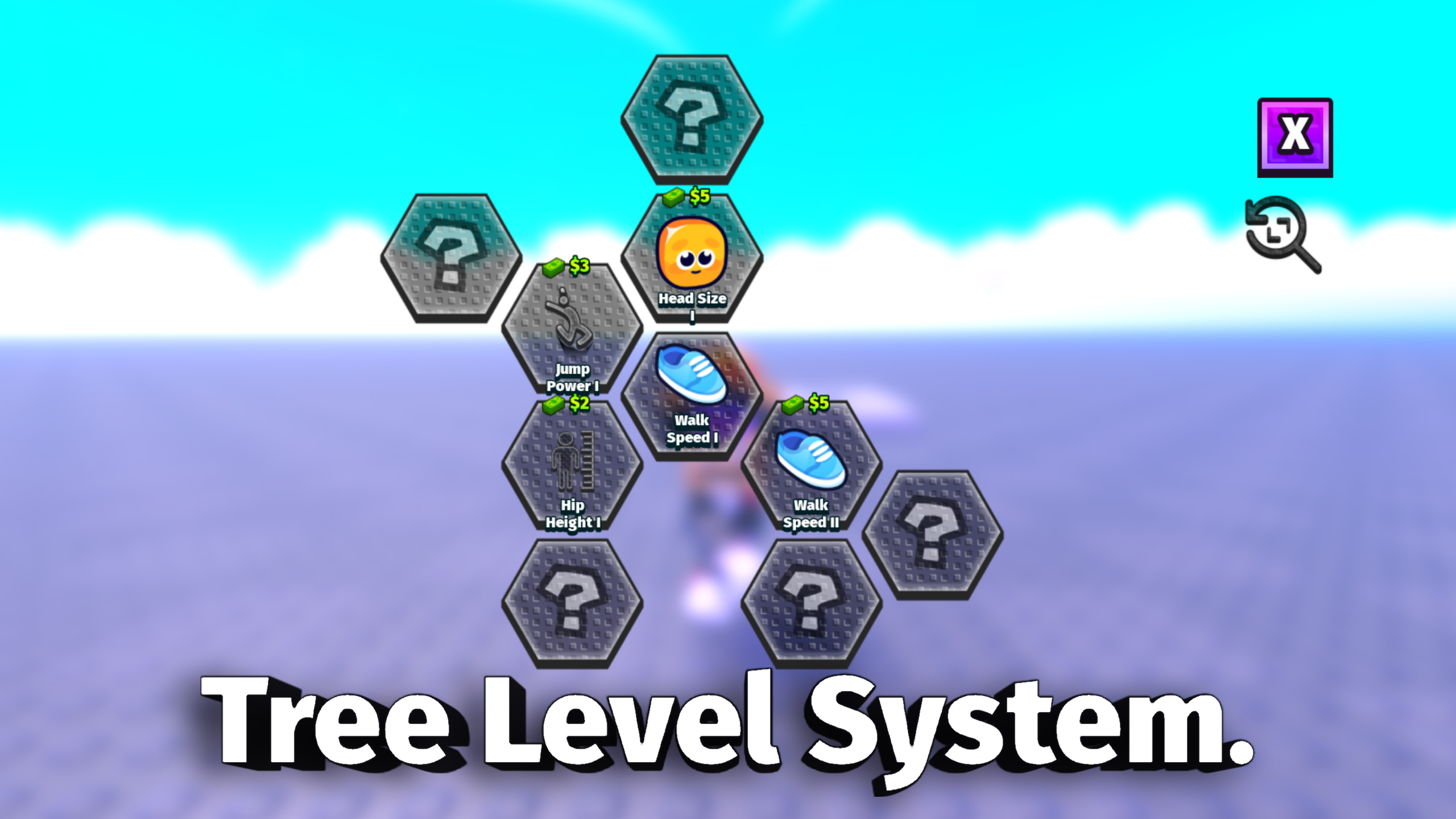
Tree Level System Kit
A downloadable roblox pack
LevelSystem Product Doc 🍯✨
Short Description
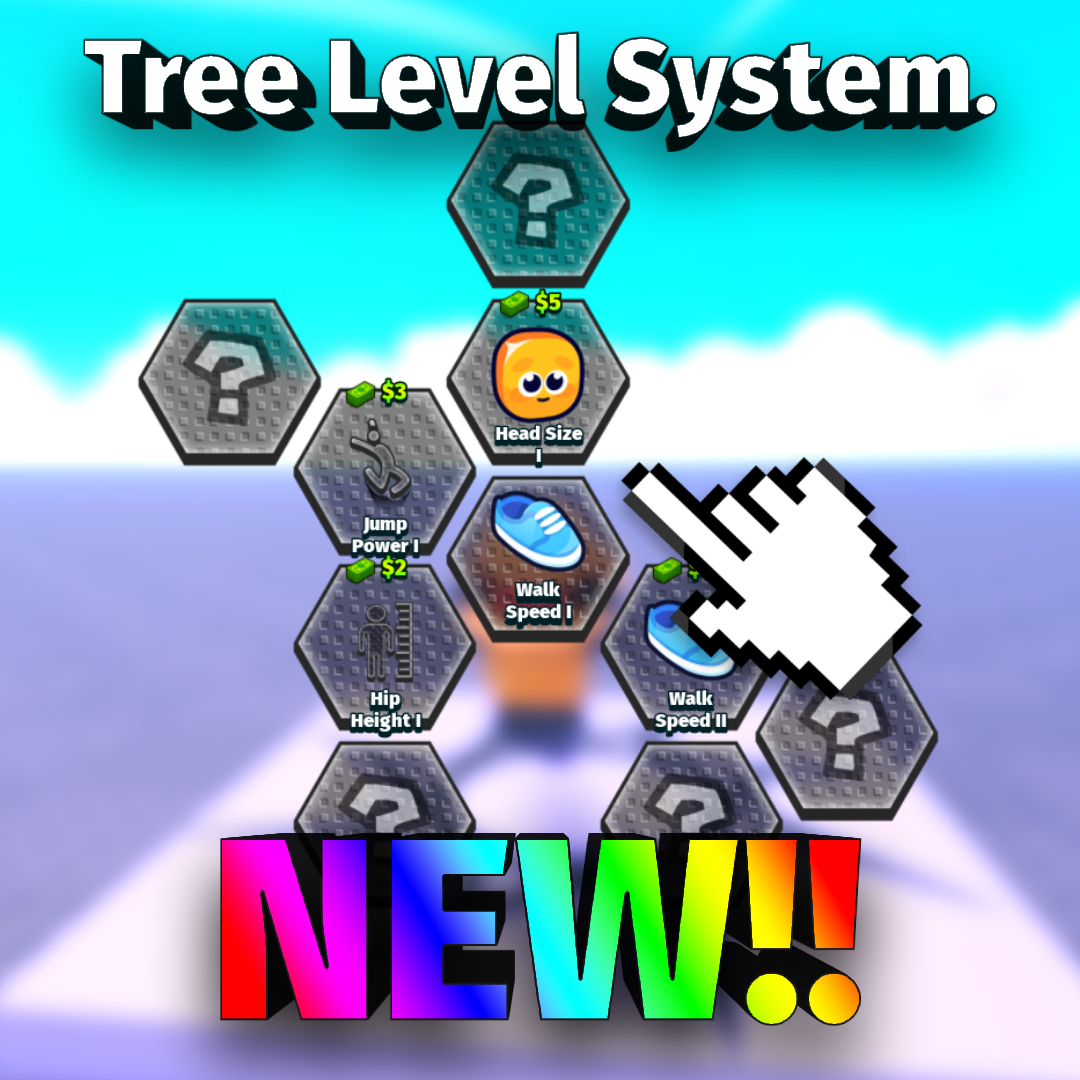
LevelSystem is a honeycomb-style progression UI for Roblox games. Players unlock connected level tiles, spend time or cash, and receive upgrade rewards through a clean visual path.
Product Description
LevelSystem adds a polished level progression screen to your Roblox game. It includes a connected honeycomb layout, locked/timed/ready/unlocked tile states, optional cash purchases, secure server-side checks, and built-in humanoid upgrade modules.
This system works well for simulator games, obbies, training games, stat upgrade menus, RPG progression, and reward paths. 🎮
What You Get 📦
- Drag-and-drop ungrouping package
- Honeycomb level UI
- Pan and zoom support
- Locked, timed, ready, and unlocked tile states
- Optional cash purchase mode
- Server-side affordability checks
- Built-in humanoid upgrade modules
- WalkSpeed, JumpPower, HeadSize, BodySize, and HipHeight modules
- Dynamic module support for custom upgrades
- Example leaderstats Cash script
- Install documentation
Latest Model Info 🚀
- Cleanly renamed to LevelSystem
- Cash purchases now block correctly when players cannot afford a tile
- Paid tiles show the item being purchased instead of only a locked mystery state
- Custom modules can be added without rewriting
LevelSystemServer - Example leaderstats setup is included
- Packaged separately from SkillTreeSystem
How To Install 🛠️
- Insert the LevelSystem package model into Roblox Studio.
- Open the model.
- Move each service folder's contents into the matching Roblox service:
ReplicatedStorage->game.ReplicatedStorageServerScriptService->game.ServerScriptServiceStarterPlayer->game.StarterPlayerStarterGui->game.StarterGuiSoundService->game.SoundService
- Do not leave the service folders nested inside the package model.
- Press Play and open the LevelSystem button from the HUD.
- Edit levels in
ReplicatedStorage.LevelSystem.Config.
Cash Setup 💵
Set Config.IfNodesCostCash = true to make level tiles cost cash.
The system checks:
leaderstats.Cashleaderstats.Money
If the player does not have enough cash, the tile will not unlock.
Simple Leaderstats Example
local Players = game:GetService("Players")
local STARTING_CASH = 100
Players.PlayerAdded:Connect(function(player)
    local leaderstats = Instance.new("Folder")
    leaderstats.Name = "leaderstats"
    leaderstats.Parent = player
    local cash = Instance.new("IntValue")
    cash.Name = "Cash"
    cash.Value = STARTING_CASH
    cash.Parent = leaderstats
end)
How To Add A Custom Module 🧩
- Create a ModuleScript inside
ReplicatedStorage.LevelSystem.Modules. - Give it a clear name like
DoubleCoinsorSprintBoost. - In
Config.Levels, setModule = { Name = "YourModuleName" }. - Add an
Apply(player, level, moduleConfig)function to run when unlocked. - If the effect should return after respawn, add
Reapply(player).
Example Level Entry
{
    Id = "speed_1",
    CashCost = 50,
    Title = "Walk Speed I",
    Icon = "rbxassetid://YOUR_ICON_ID",
    Position = axial(0, 0),
    Locked = true,
    UnlockTime = 0,
    Module = { Name = "WalkSpeed", Multiplier = 1.10 },
}
FAQ ❓
Can I use this with cash?
Yes. Enable Config.IfNodesCostCash and set CashCost on each level.
Can I add more levels?
Yes. Add more entries to Config.Levels and connect them with Requires.
Can buyers add custom modules?
Yes. Custom modules can be placed in ReplicatedStorage.LevelSystem.Modules.
Can this run without SkillTreeSystem?
Yes. LevelSystem is packaged separately and can run by itself.
Can I resell this system?
No. Please do not resell the package.
Purchase
In order to download this roblox pack you must purchase it at or above the minimum price of $9.99 USD. You will get access to the following files:
Development log
- Tree Level System Kit - DragNDrop10 hours ago
Leave a comment
Log in with itch.io to leave a comment.